
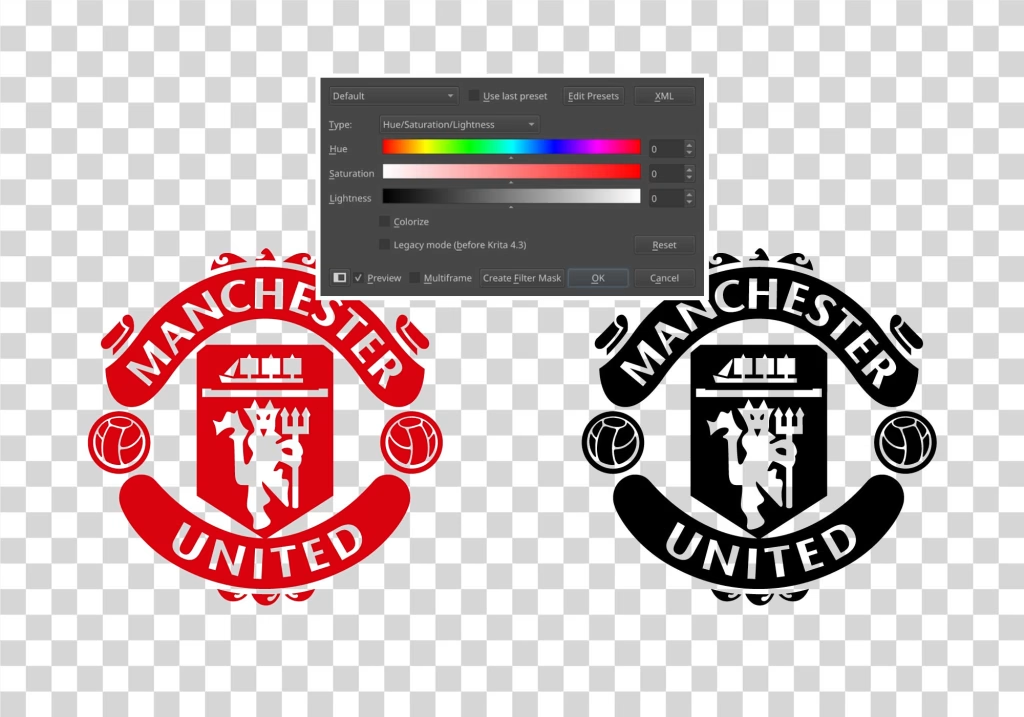

A lot of people still think changing the color of a PNG image is some kind of advanced design trick. In reality, it’s one of the easiest things you can do, as long as the PNG was made properly. If the background is transparent and the image is flat in color, you can recolor it in seconds without ruining quality or redrawing anything.
This is exactly why high-quality PNG libraries matter so much. When PNGs are exported flat, clean, and properly cut out, recoloring them becomes effortless. You’re not fighting backgrounds, shadows, or weird artifacts. You’re just changing color, the way it was meant to be done.
If you’re using tools like Canva, recoloring takes almost no effort at all. Upload the PNG, select it, and the editor instantly detects the colors inside. Swap them, export, done. The same applies if you prefer something more advanced like Photopea or even Photoshop. The tool barely matters when the PNG itself is clean.
That’s where a good PNG library really shines. When you’re working with well-prepared PNGs, you don’t need to redraw anything, recreate assets, or ask for alternate versions. One PNG can work for light backgrounds, dark backgrounds, branding changes, thumbnails, merch mockups, UI previews, and social posts. Change the color, and it instantly feels like a new asset. You can find many of those on our website.
Free software like GIMP can do the same thing as well. It might look a bit rougher, but the core idea is identical: lock the transparency, apply a new color, and let the software do the heavy lifting instead of your mouse.
If you work with logos, icons, UI elements, or visual assets regularly, having access to a large, clean PNG library saves an insane amount of time. You stop worrying about whether something will work on a dark background or match a new color palette. You already know it will.
In the end, recoloring a PNG isn’t about being good at design. It’s about starting with the right files. When the assets are done properly from the start, changing colors becomes a non-issue, and your workflow stays fast, flexible, and frustration-free.